Knowledge no longer gets lost
Decisions, details and commitments remain searchable under the right client and project.
Words Companion records voice notes and meetings, transcribes them and turns them into minutes, follow-ups, tasks and business documents. Everything stays connected to the right client and project.
You speak. Words Companion listens.
It transcribes and organises memory.
It turns speech into documents and action.
Decisions, details and commitments remain searchable under the right client and project.
Minutes, decisions and tasks are available even to people who were not there.
Google Docs and Slides are populated from the selected template and linked to the source.
Capture. Transcribe. Organise. Understand. Transform. Share. Every step preserves the link to the source.
Voice, audio, video, text
Speakers and timestamps
Client, project, tags
Keywords and chat
Minutes, emails, reports
To-dos and documents
From dictation to verifiable information, tasks and documents that are ready to review.
Words, noise and second thoughts remain in the source. Useful information is organised in the operational format selected by the team.
So, um… service visit at Levante Works, line two pump.
I replaced the gasket, but a slight vibration remains…
Mark needs to order bearing 6204 by Friday and the client wants the report by email. [background noise]
Order bearing 6204Task to assign to Mark
Draft client emailDocument ready to review and send
We confirm delivery for Friday…
Prepare the summary and share it with the team.
Speak naturally while wrapping up a call, aligning the team or documenting a site visit. Words Companion preserves the source and organises what matters in the format you need.
Site inspectionNorth wing
Non-conformityIncomplete closure
Assigned taskPaul · due Wednesday
Illustrative footage. The people shown are not customers and do not imply endorsement of the product.
Long meetings are recorded in full and processed in the background. A chain produces a summary, decisions, open points, assigned tasks and follow-up.
Explore meetings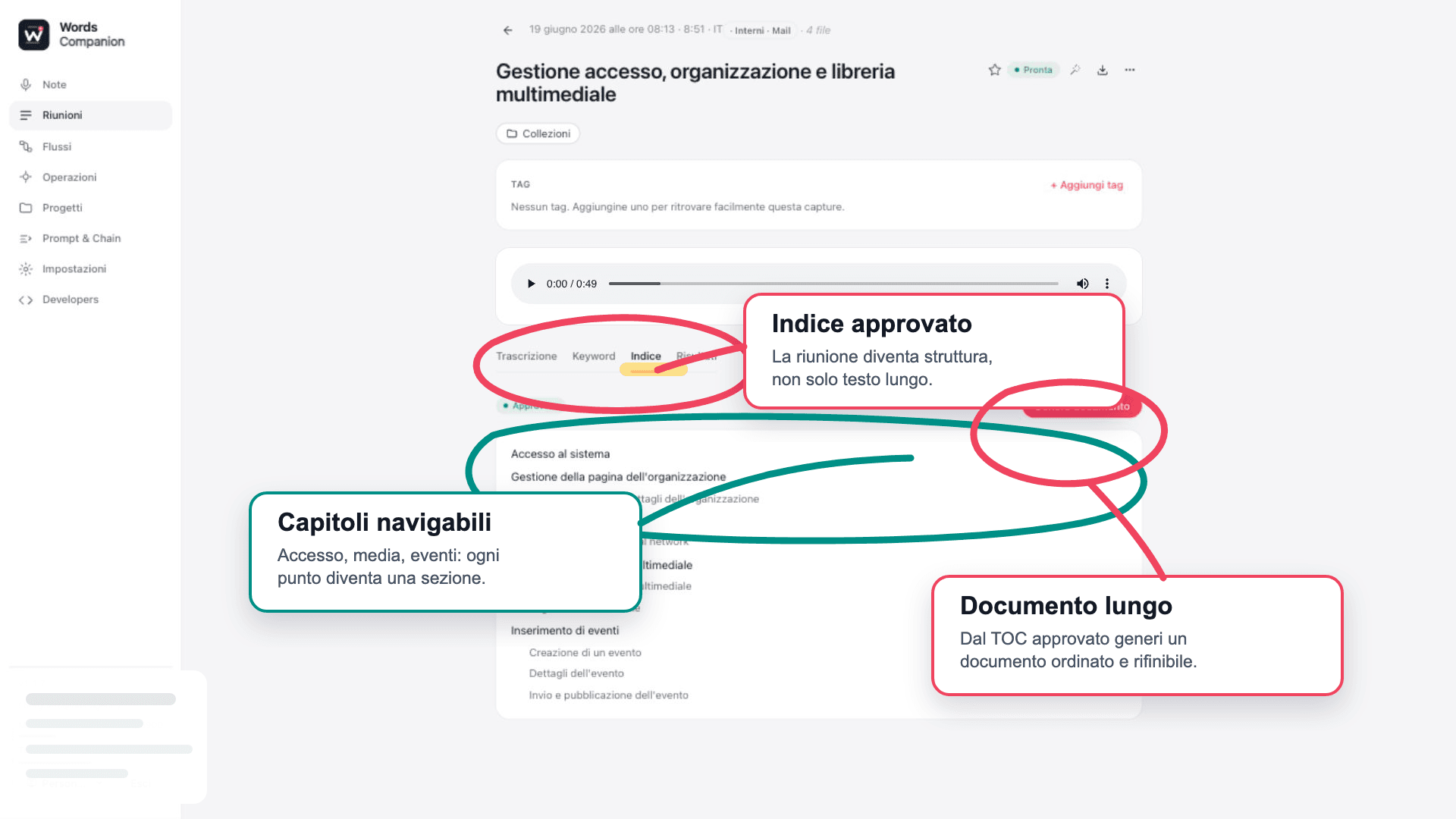
Record from your phone even without a connection. The note stays on the device and syncs as soon as the network returns, already connected to the client and project.
iOS and Android · persistent offline queue · automatic upload
Explore mobile capture
 Voice note•••
The transcript is the starting point. The source becomes organised memory, then the documents and tasks the team needs.
Clients, projects, tags, folders, keywords and timelines keep months of work connected. Automatic suggestions always require confirmation.
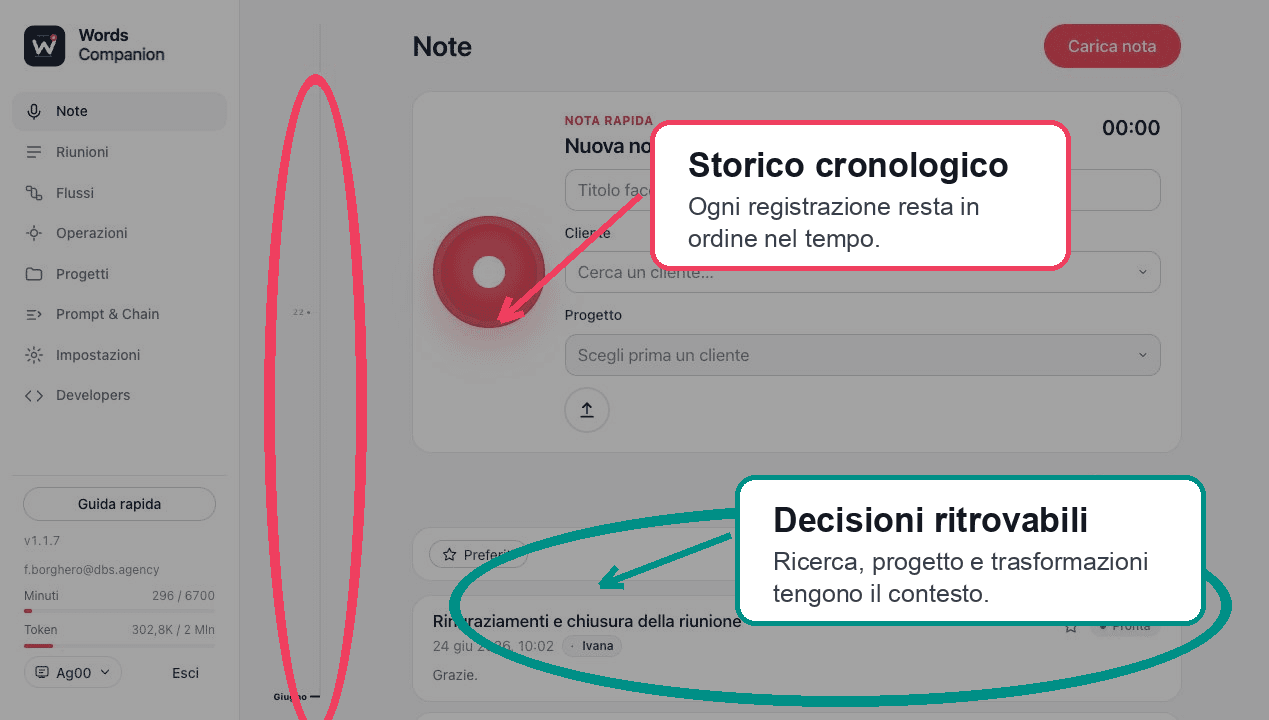
Record, search and connect each note to the right context.
Minutes, emails, summaries and documents from the same source.
From site visits to client calls, Words Companion turns spoken work into the format the job requires.
Two minutes of voice after a visit become a diagnosis, parts list, remaining tasks, client email and a report in the company template.
Illustrative scenarios and photographs, not customer testimonials.
The system proposes; the team confirms. Transcripts and outputs remain editable, versioned and linked to the source.
Human review remains necessary in regulated settings.
Learn about security and data governanceA note, a team sync or a recurring document: the first value comes from one concrete workflow.
No. You keep speaking naturally; the only added step is starting the recording.
As soon as a voice note is complete. A short recording can be transcribed and transformed within minutes.
Every output can be edited, corrected in chat and reviewed through version history. Human review remains necessary in regulated settings.
Yes, in the mobile app. Recordings stay queued on the device and upload automatically when connectivity returns.
Yes. Prompts and chains are customisable, and automations populate Google Docs and Google Slides templates selected by the organisation.
Workspaces are isolated. Owner, admin and member roles determine allowed actions, and audio files are accessed through signed, temporary URLs.
Words Companion makes it a shared asset powered by voice.